A lot has changed since Dreamforce 2025.
Last year, we were focused on showing how PDF Butler could help Salesforce teams automate document generation and move away from manual, time-consuming processes. Since then, PDF Butler has continued to evolve.
Today, document generation is still at the core of what we do. But the platform now goes much further, helping teams work with documents across every stage of their lifecycle, from extracting external information into Salesforce to generating, editing, signing, and collaborating on documents.
So, before we meet at Dreamforce 2026, here’s a look at what has changed.

More Ways to Work With Documents
One of the biggest changes since Dreamforce 2025 is the way users can interact with documents.
PDF Butler is no longer only about creating a document from Salesforce data. New capabilities extend what teams can do with documents before, during, and after generation.
Edit documents within the workflow
With Document Editor, users can work with generated documents and make changes without having to leave the workflow or rely on separate tools.
This creates a more flexible experience for teams working with documents that require final adjustments, collaboration, or personalization before they are ready to move forward.
Bring information from documents back into Salesforce
The workflow can also go in the opposite direction.
Document Extractor allows teams to take information from existing PDFs and scanned documents and bring that information back into Salesforce records.
This closes an important gap in document workflows. Instead of treating an existing document as the end of the process, businesses can extract the information inside it and continue working with that data in Salesforce.
Together, capabilities like Document Editor and Document Extractor extend document automation beyond simply generating a file.
The goal is to make documents an active part of the Salesforce workflow—not an isolated output that users have to manage separately.
AI Is Now Part of the Workflow
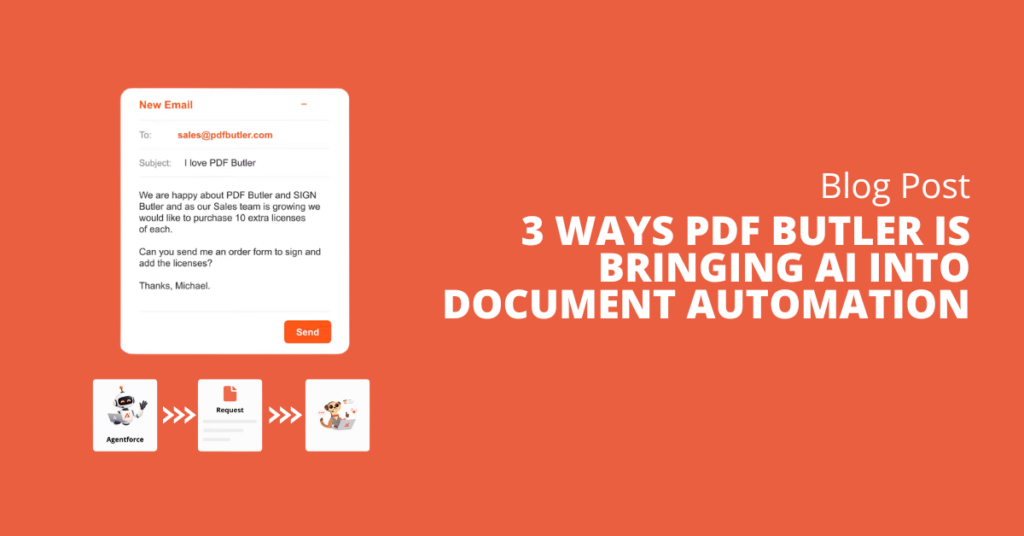
Another major change since Dreamforce 2025 is the introduction of AI into PDF Butler.
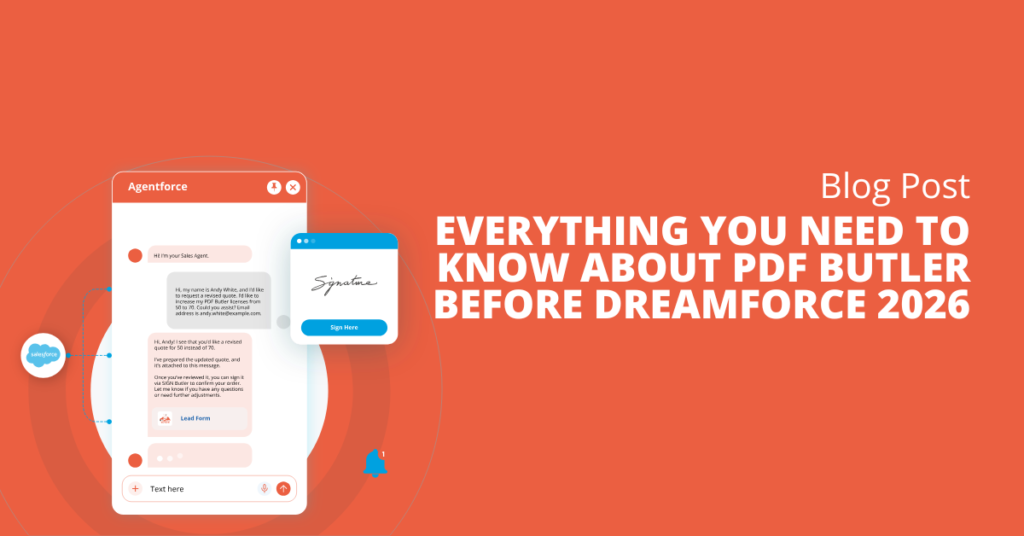
With Document Agent, AI is becoming part of the document automation experience itself.
The goal isn’t simply to add AI for the sake of adding another feature. It is about using AI to make document processes more intuitive and reduce the effort required to build and manage complex use cases.
For Salesforce teams, this can mean less manual configuration, faster implementation, and a simpler experience for the people ultimately using the solution.
As document workflows become more sophisticated, AI can help reduce some of the complexity behind them, making it easier for teams to automate processes while spending less time on implementation and maintenance.
And this is where our next phase of development becomes especially important.
What’s Next for PDF Butler?
As PDF Butler continues to evolve, one of our main priorities is improving the user experience, especially through our new AI capabilities.
We want to make complex use cases easier to implement and reduce the effort required from the end user. By simplifying the experience behind document automation, teams can spend less time configuring processes and more time getting value from them.
The goal is straightforward:
Save time. Increase productivity. Make document automation easier to implement and use.
See You at Dreamforce 2026
If you’re attending Dreamforce 2026, come meet the PDF Butler team and see our latest capabilities in action.
We’ll be sharing more about our evolving approach to end-to-end document automation, our new AI-powered experiences, and how PDF Butler can fit into your Salesforce processes.