When signing important documents, not every situation requires the same level of security or identity verification. PDF Butler’s Digital Signature (SIGN Butler) supports different types of electronic signatures, from basic signing methods to more advanced and qualified signatures.
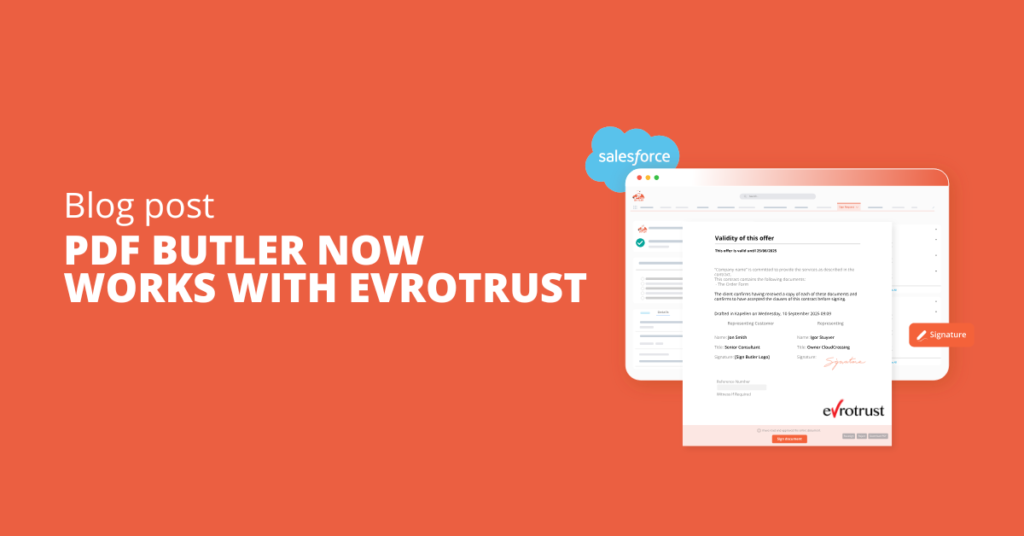
Evrotrust provides a secure, identity-verified signing experience by using the Evrotrust mobile app to authenticate the signer. Depending on the applicable Evrotrust signing jurisdiction, it can be used as an Advanced Electronic Signature (AES) or Qualified Electronic Signature (QES).
Why use Evrotrust?
Basic electronic signatures can be sufficient for documents where a simple indication of intent is all that is required. However, contracts, agreements, and other business-critical documents may require stronger identity verification.
Evrotrust adds an extra layer of security by verifying the signer’s identity before the document is signed. Instead of simply drawing a signature or confirming their identity through email or SMS, the signer verifies themselves through the Evrotrust mobile app.
This makes Evrotrust particularly useful when you need stronger signer authentication, greater confidence in the signer’s identity, and a more secure signing process.
How does Evrotrust work with SIGN Butler?
The signer uses the Evrotrust mobile app to verify their identity and authorize the signature. During the process, they receive a push notification, review the document, and confirm the signature using their security PIN.
If the signer is using Evrotrust for the first time, they must first register in the Evrotrust app and verify their identity using a national ID card or passport. Residency cards are not supported.
Once registered, the signing process is straightforward:
- The signer enters their phone number on the SIGN Butler signing page.
- They receive a push notification from Evrotrust.
- They open the notification and select the document to sign.
- They review and validate the document.
- They confirm the signature using their Evrotrust security PIN.
- The signature is completed, and the signer is redirected to the SIGN Butler signing page.
Getting started with Evrotrust
Evrotrust is an additional paid signing option. For pricing and availability, please contact your PDF Butler Account Executive.
Follow our step-by-step guide to learn how to set up and use Evrotrust for electronic signatures.