Capture document data with context, structure, and business logic, then turn it
into Salesforce records your team can use right away.
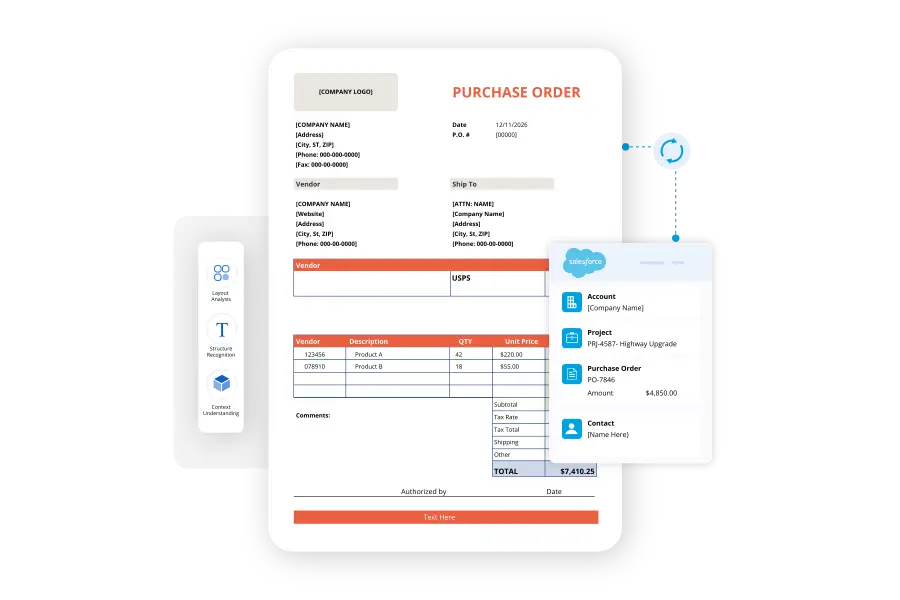
Reads document structure and context, not just raw text, so teams can capture meaningful data from different PDF layouts.
Accurately reads both typed and handwritten content — ideal for digitising approval forms, signed documents, and field notes.
Create or update standard and custom Salesforce records automatically, with relevant fields populated from extracted document data.
Define rules that decide what happens next, from conditional logic and multi-step evaluations to downstream Salesforce automations.
Document Automation That Grows With You
"A lot of sample requests were in the past manually done and manually copied. Now it’s just all automated and all generated automatically by PDF Butler.”
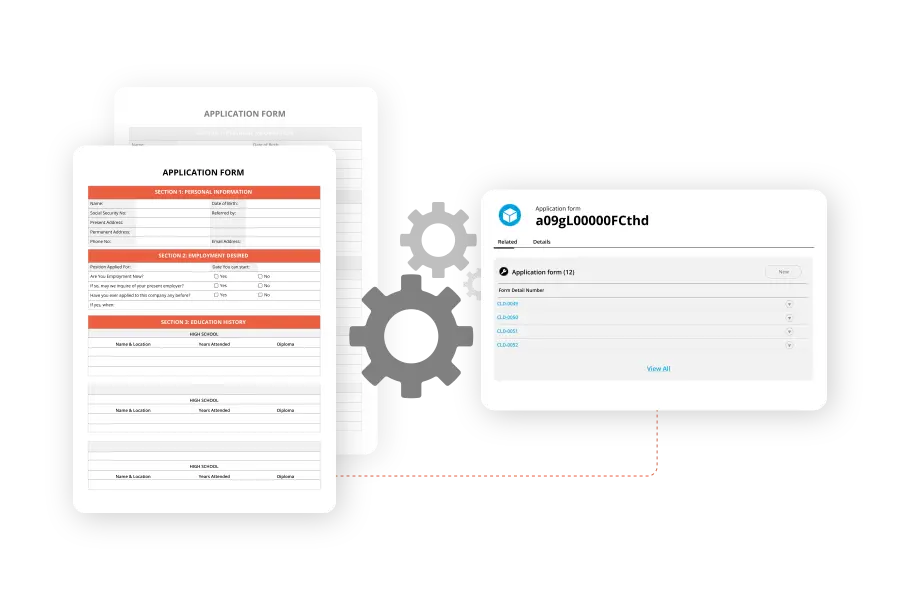
Process application forms, onboarding documents, surveys, and internal paperwork without retyping information. Document Extractor helps teams move submitted data into Salesforce faster and with fewer manual steps.
Automate invoice and financial document handling
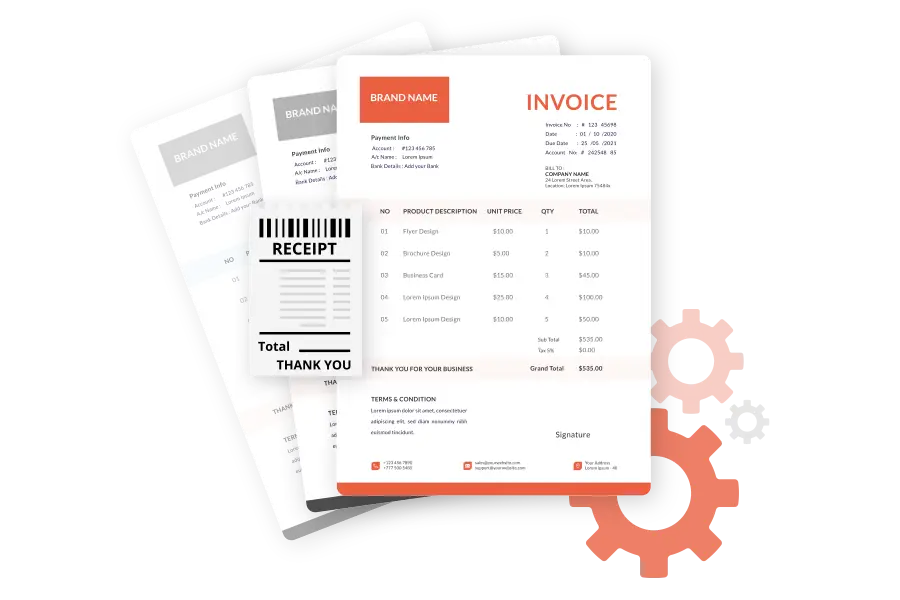
Capture vendor details, invoice numbers, amounts, and due dates from incoming PDFs. Teams can validate extracted information and route it into the right approval or finance process.
Keep sales documents moving
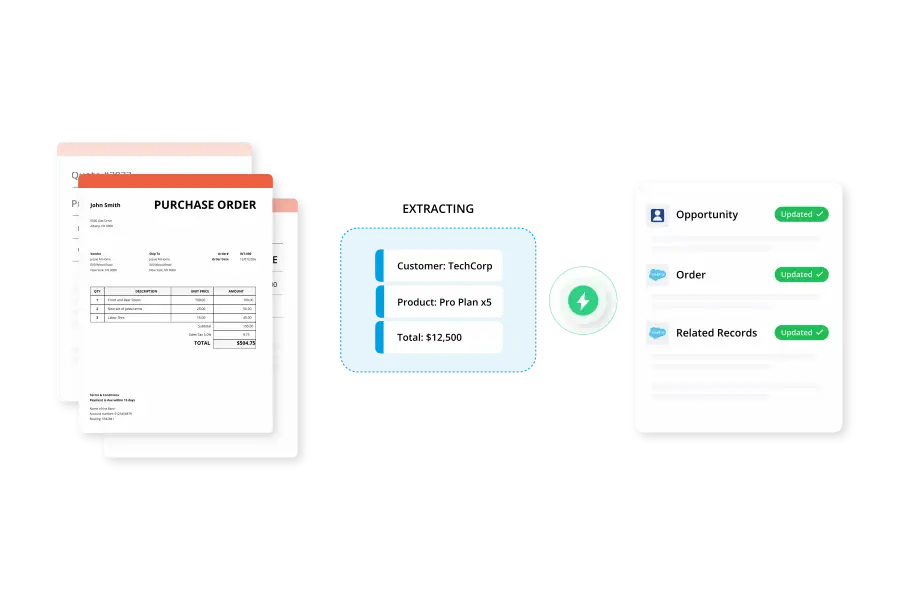
Extract customer details, pricing, and line items from quotes and sales documents, then use that data to update Opportunities, Orders, or related Salesforce records in real time.
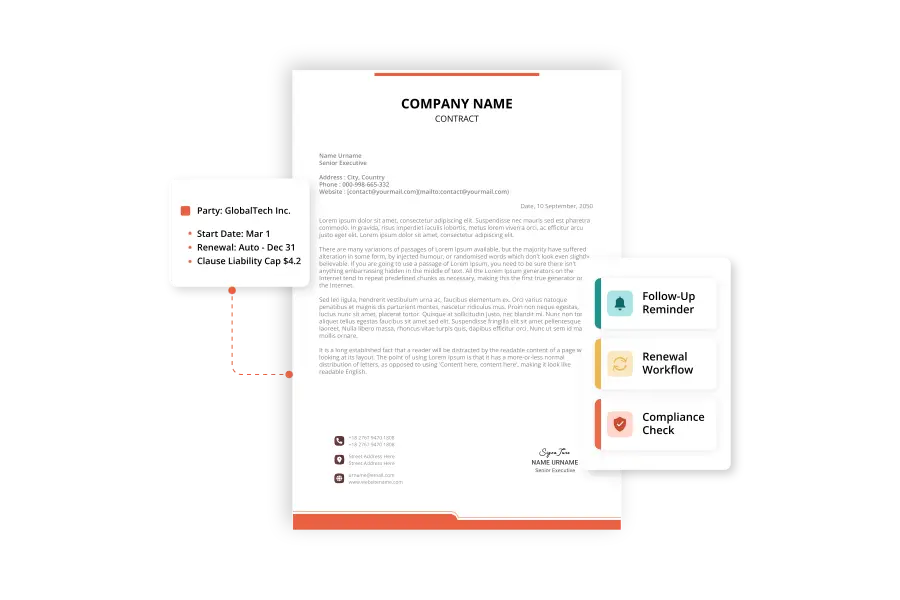
Surface key details from contracts
Pull parties, dates, renewal terms, and important clauses from contracts so teams can trigger follow-ups, renewal workflows, and compliance checks without reviewing every document manually.
PDF Butler's Document Extractor converts scanned invoices, forms, and contracts into structured Salesforce records, removing manual data entry from your workflow.
It goes beyond standard OCR technology; our AI engine is used to recognize handwritten text alongside printed text, making it suitable for a wider range of paper-based documents.
It uses criteria-based extraction rules that you configure, so PDF Butler knows exactly how to read and map data into the right Salesforce fields.
Document Extractor is built for invoices, forms, and contracts, and can be configured to handle other structured document types as well.
All extracted data is written directly into structured Salesforce records, eliminating manual entry and reducing data errors.
ISO, HIPAA, GDPR Compliant
No external data storage
Enterprise-ready security
Ready to Automate Every Document?
AJ
MR
KL
TP
+
Join 150.000+ clients worldwide
Let's make your document processes faster, smarter, and more scalable.