DOCUMENT MANAGEMENT & COLLABORATION
Keep Files Aligned, Teams Connected
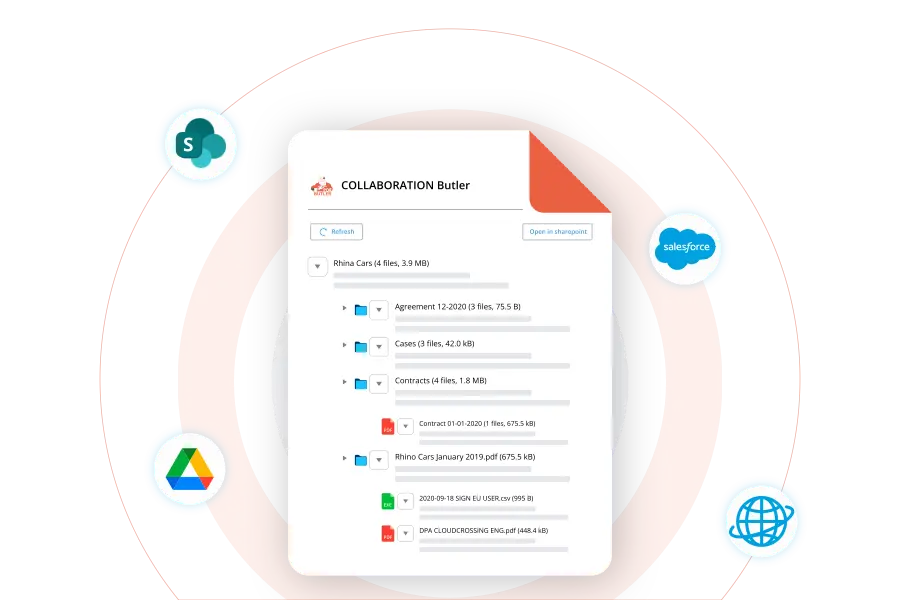
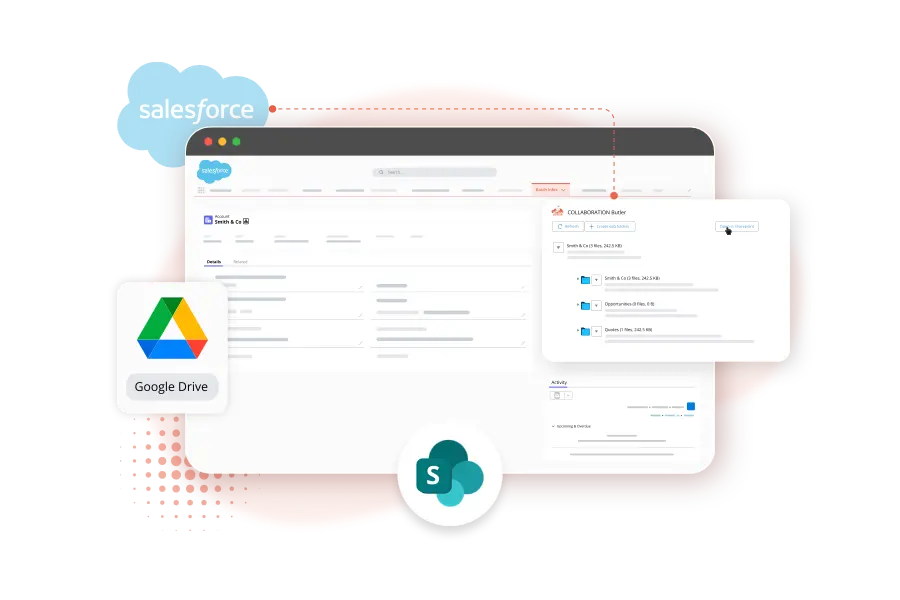
Collaborate through SharePoint or Google Drive while every document stays linked to the right Salesforce record. Keep versions aligned, teams updated, and files easy to find.
Trusted by 150,000+ users


Store, organize, and edit
documents your way
Manage document work across Salesforce, SharePoint,
and Google Drive without losing visibility or structure.
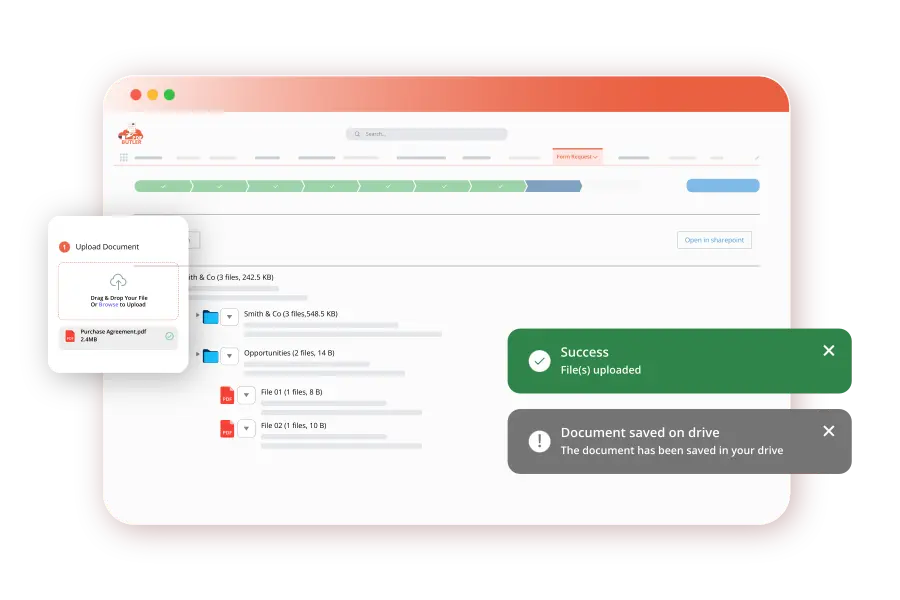
Connect Salesforce records to external storage, so documents stay accessible without living only inside Salesforce.
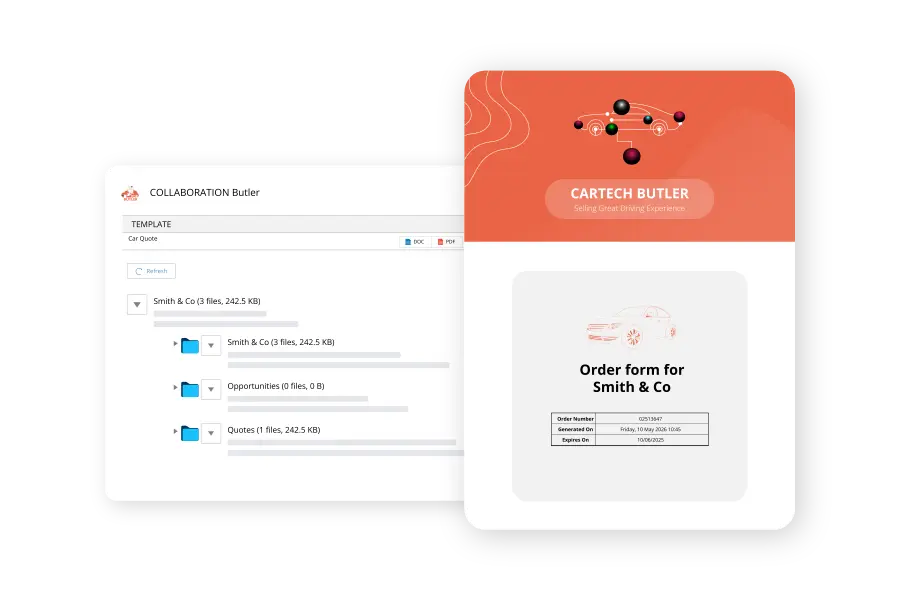
Create a consistent folder structure across accounts and records, making documents easier to organize and maintain.
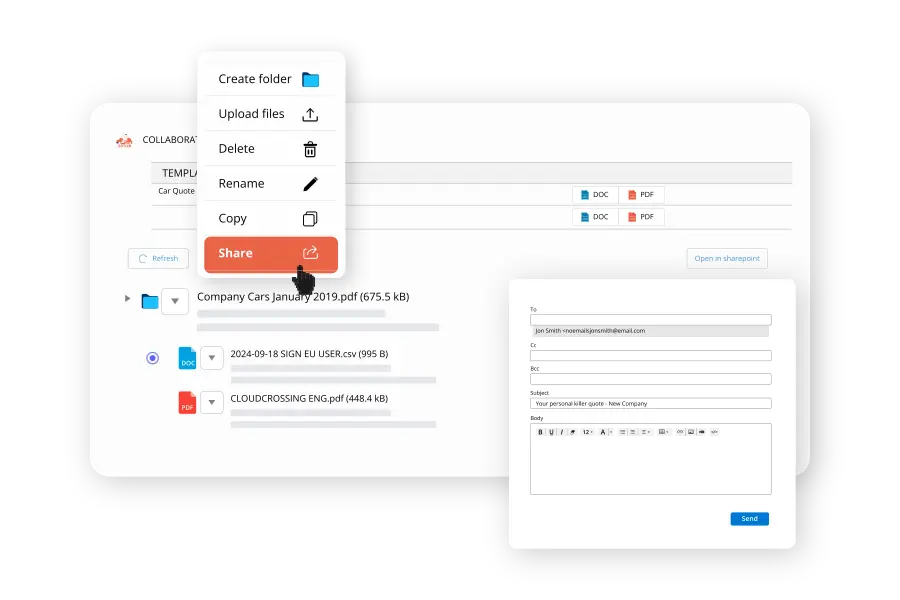
Open, preview, and edit documents directly from Salesforce.com without moving between tools.
Use SharePoint or Google Drive to manage document storage, permissions, and access outside Salesforce file limits.
Document Automation That Grows With You
"A lot of sample requests were in the past manually done and manually copied. Now it’s just all automated and all generated automatically by PDF Butler.”
Make collaboration easier across teams
Sales, service, legal, and operations can access updated documents from the same Salesforce context, helping everyone work from the latest version.
Find the right document faster
Give teams a clear, customer-level view of files, so they don’t waste time searching across records, folders, or disconnected storage systems.
Work in Salesforce, store where it makes sense
Keep Salesforce as the place teams work from, while SharePoint or Google Drive handles document storage, access, and structure.
Reduce clutter as document volume grows
Keep files organized outside Salesforce storage limits, without losing the connection between documents, records, and customer activity.
PDF Butler Document Management & Collaboration FAQs
Have more questions?
Go to Academy or Contact Us.
Documents can be stored in SharePoint or Google Drive while being fully managed from within Salesforce.
Yes, Document Management uses structured folders to keep files organized.
Yes, preview and edit functionality is available directly inside Salesforce with PDF Butler.
Every file is automatically linked to the Salesforce record that created it.
No, it integrates with the storage systems you already use rather than replacing them.
- ISO, HIPAA, GDPR Compliant
- No external data storage
- Enterprise-ready security
Ready to Automate Every Document?
Join 150.000+ clients worldwide
Let's make your document processes faster, smarter, and more scalable.