DOCUMENT GENERATION
Generate customized documents with one click
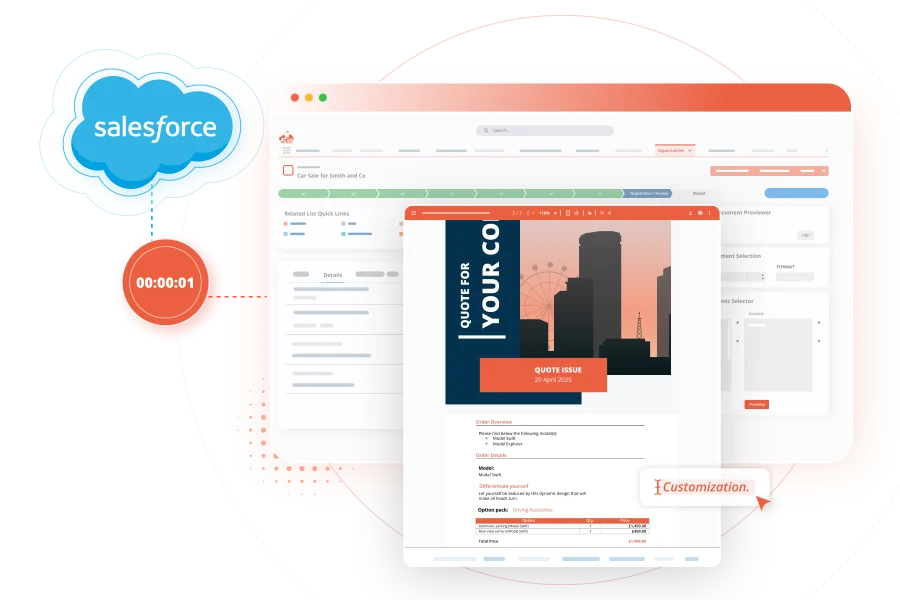
Create documents that match your business rules, branding, and processes. With PDF Butler, teams can control fields, layouts, logic, and formats without adding complexity.
Trusted by 150,000+ users




Automate documents across
every team and process
Give every team a faster way to create accurate, consistent documents
without relying on manual work or disconnected tools.
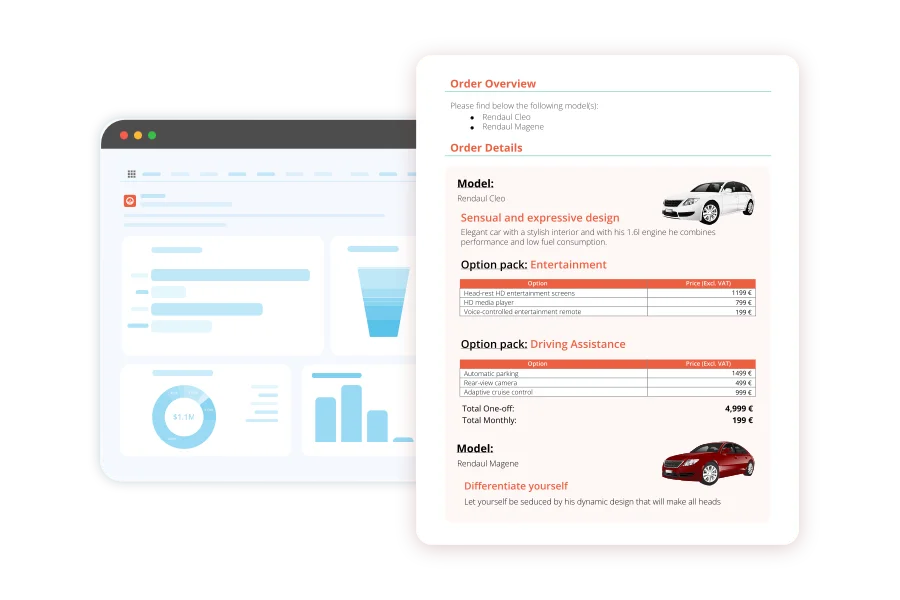
Tailor every document to your brand, workflow and business requirements, from fields and layouts to images, fonts, and logic.
Generate documents in under 1 second on average, whether you’re creating 10 documents or 10,000.
Reuse the same configuration across multiple templates, making it easier to manage changes without rebuilding every document from scratch.
Export documents as PDF, Word, Excel, CSV, PPT, and HTML from one platform.
Connects directly to your Salesforce data, including standard or custom objects, in real time.
Document Automation That Grows With You
"With PDF Butler, our teams can control fields, layouts, logic, and formats instantly. It has allowed us to scale operations without adding systemic complexity."
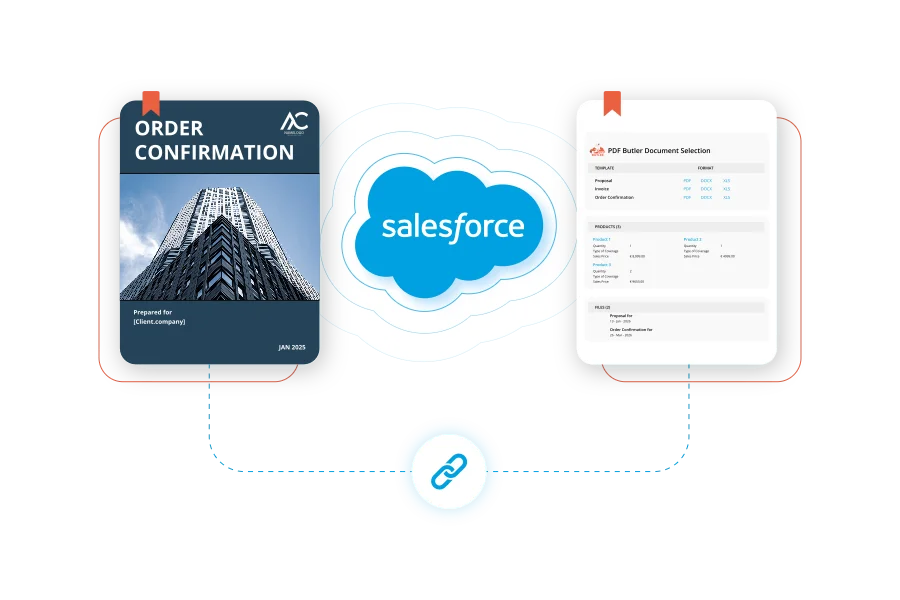
Preview and edit documents before sending
Generate documents from Salesforce data, then make last-mile edits with Document Editor before sending. Teams avoid manual data entry and version mismatches while keeping every document aligned with the system of record.
Scale across languages and currencies
Create documents for international teams and customers with localized outputs powered by your Salesforce data.
Handle complex layouts and logic
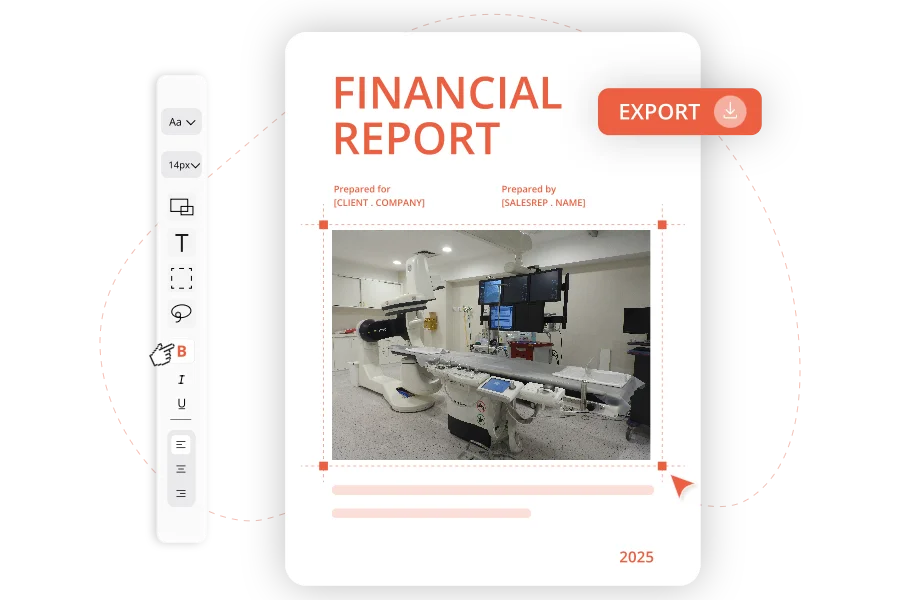
From multi-object data relationships to conditional sections, images, and formatting, PDF Butler handles advanced document requirements without complex template maintenance.
Create consistent outputs at scale
Whether generating one document or thousands, PDF Butler ensures consistent branding, formatting, and structure across all outputs.
PDF Butler Document Generation FAQs
Have more questions?
Go to Academy or Contact Us.
PDF Butler Document Generation helps Salesforce teams create accurate, professional documents using data directly from Salesforce.
Instead of manually copying data or rebuilding documents from scratch, PDF Butler automates the process so teams can generate consistent, on-brand documents faster and with fewer errors.
Yes. PDF Butler is built for Salesforce-driven processes and uses Salesforce data to generate documents from records, related objects, fields, tables, and workflows.
This helps teams reduce manual work, avoid version mismatches, and keep every document aligned with the system of record.
PDF Butler can generate a wide range of documents, including quotes, proposals, contracts, agreements, invoices, order forms, reports, certificates, customer communications, and internal business documents.
It supports both simple documents and more advanced, data-driven outputs for teams with complex business requirements.
No. PDF Butler is designed so business users and Salesforce admins can create and maintain templates without relying heavily on developers.
Teams can manage layouts, fields, conditional content, branding, and document logic through a template-driven setup, making it easier to update documents as processes change.
Yes. PDF Butler supports advanced requirements such as conditional sections, repeating tables, images, multi-object data relationships, dynamic content, and complex formatting.
This makes it suitable for teams that need more than basic mail merge, especially when documents vary by customer, product, language, region, currency, or business scenario.
Yes. PDF Butler supports both individual and batch document generation.
Teams can generate one document from a Salesforce record or create documents at scale for larger processes such as renewals, invoices, reports, customer communications, or mass document creation.
Yes. With PDF Butler's Document Editor, authorized users can make final edits to generated documents before they are sent out.
This is useful when teams need to update wording, clauses, dates, figures, or customer-specific details without changing the original template or regenerating the full document.
Yes. PDF Butler can be part of a broader end-to-end document workflow, including digital signature, dynamic forms, contract lifecycle management, document collaboration, and storage.
This allows teams to manage the full document journey from data collection and generation to review, signing, storage, and follow-up.
- ISO, HIPAA, GDPR Compliant
- No external data storage
- Enterprise-ready security
Ready to Automate Every Document?
Join 150.000+ clients worldwide
Let's make your document processes faster, smarter, and more scalable.