
You can install the SIGN Butler Dashboard and Reports package: SIGN Butler Dashboards v1.3
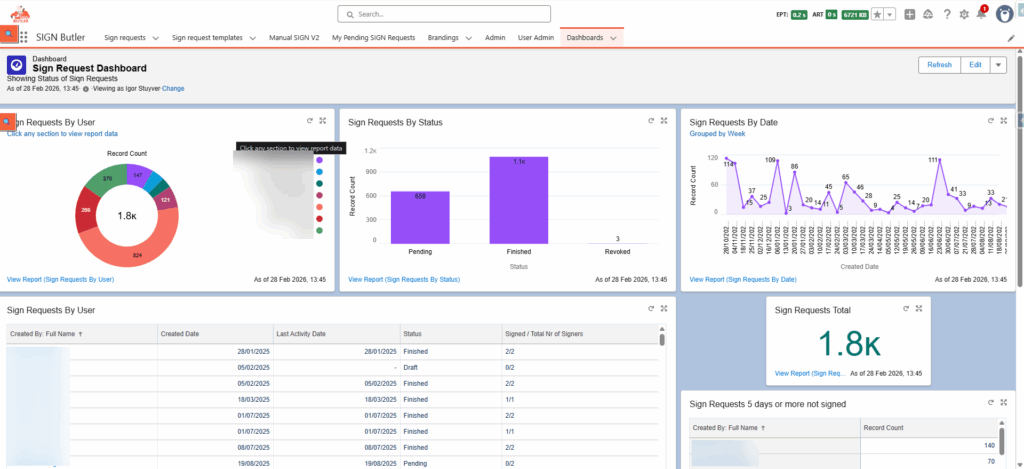
The package comes with:
- Dashboard
- Reports
- Report Types
- SIGN Butler V2 – Sign Requests
- SIGN Butler V2 – Audit Trail
If you want to add a Report/Dashboard on which signing types are used, eg Scribble, SMS OTP, …, just create a report with the “SIGN Butler V2 – Audit Trail” Report Type. Filter the “action” field on “SIGNER_EMAIL_SIGNED” or “SIGNER_SFDC_SIGNED”. Use the field “Sign Type”.
Possible values for the field “Sign Type”:
- MAIL_OTP
- SMS_OTP
- HAND_WRITTEN
- MANUAL_SIGN
- IDIN
- ITSME
- STAMP
- ATRUST
- EIDCARD
- IMAGE_UPLOAD
Beware, the field Sign Type is only available from SIGN Butler V2 package version 1.294 released on 23rd of February. Older packages do not have this field available.


