The Template Owner Reassignment feature allows administrators to transfer ownership of one or more Agreement Templates from one user to another.
This is particularly useful when users change roles, leave the organization, or when template ownership needs to be consolidated under a different administrator.
Reassigning Template Ownership #
To reassign the owner of one or more Agreement Templates:
- Open the Template page.
- Review the list of templates displayed.
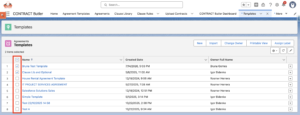
- Select the checkbox next to each Agreement Template you want to transfer.
You may select one or multiple templates at the same time.
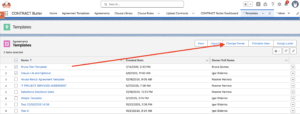
- Click the “Change Owner” button.
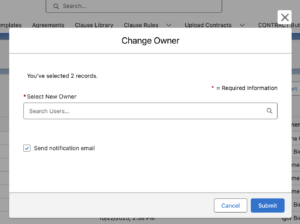
- Select an User and Submit the changes.
Contract Butler updates the ownership of all selected Agreement Templates.