
The Doc Config Clone feature allows you to quickly create a copy of an existing Doc Config, including all of its associated configuration. This is useful when you want to create a similar document configuration without rebuilding it from scratch.
Clone a Doc Config #
- Open the PDF Butler Admin tab.
- Scroll down to the Doc Config Migration section.
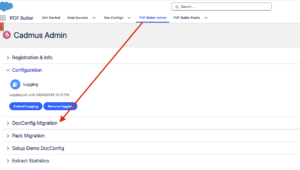
- Make sure you are in the Export tab.
- Click Get Doc Config.
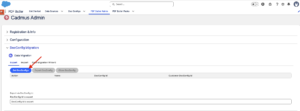
- Select the Doc Config you want to clone.
- Once a Doc Config has been selected, the Clone Doc Config button becomes available.
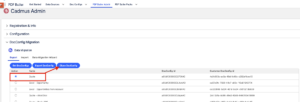
- Click Clone Doc Config.
- Wait for the cloning process to complete and you will see a Copy created.
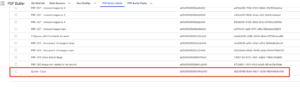
A new Doc Config is created as a copy of the original, including its associated configuration, allowing you to make modifications without affecting the original document configuration.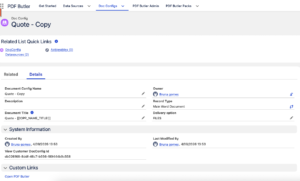
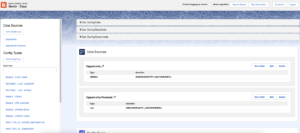
Note: The cloned Doc Config is created independently of the original. Any changes made to the cloned version will not affect the source Doc Config.


