
FAQ – How to Reset the Registration Contact Email in PDF Butler #
If you need to update or reset the contact email associated with your PDF Butler registration, follow the steps below.
Reset the Registration Email #
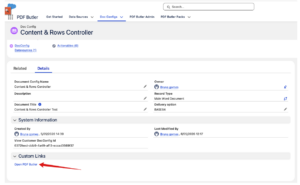
- Open any Doc Config record in Salesforce.
- In the Custom Links section, click Open PDF Butler.
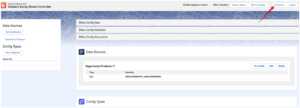
- In the PDF Butler interface, click Customer at the top of the page.
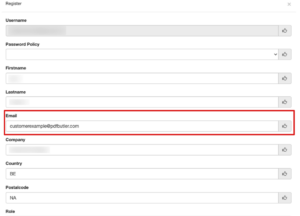
- In the Email field, enter the new email address.
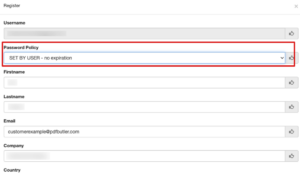
- In the Password Policy field, select:
SET BY USER – no expiration
- Click OK to save the changes.
The registration contact email will be updated successfully and the new email address will be associated with the PDF Butler customer account.


